C4 Toolbox · Automation
Geofence
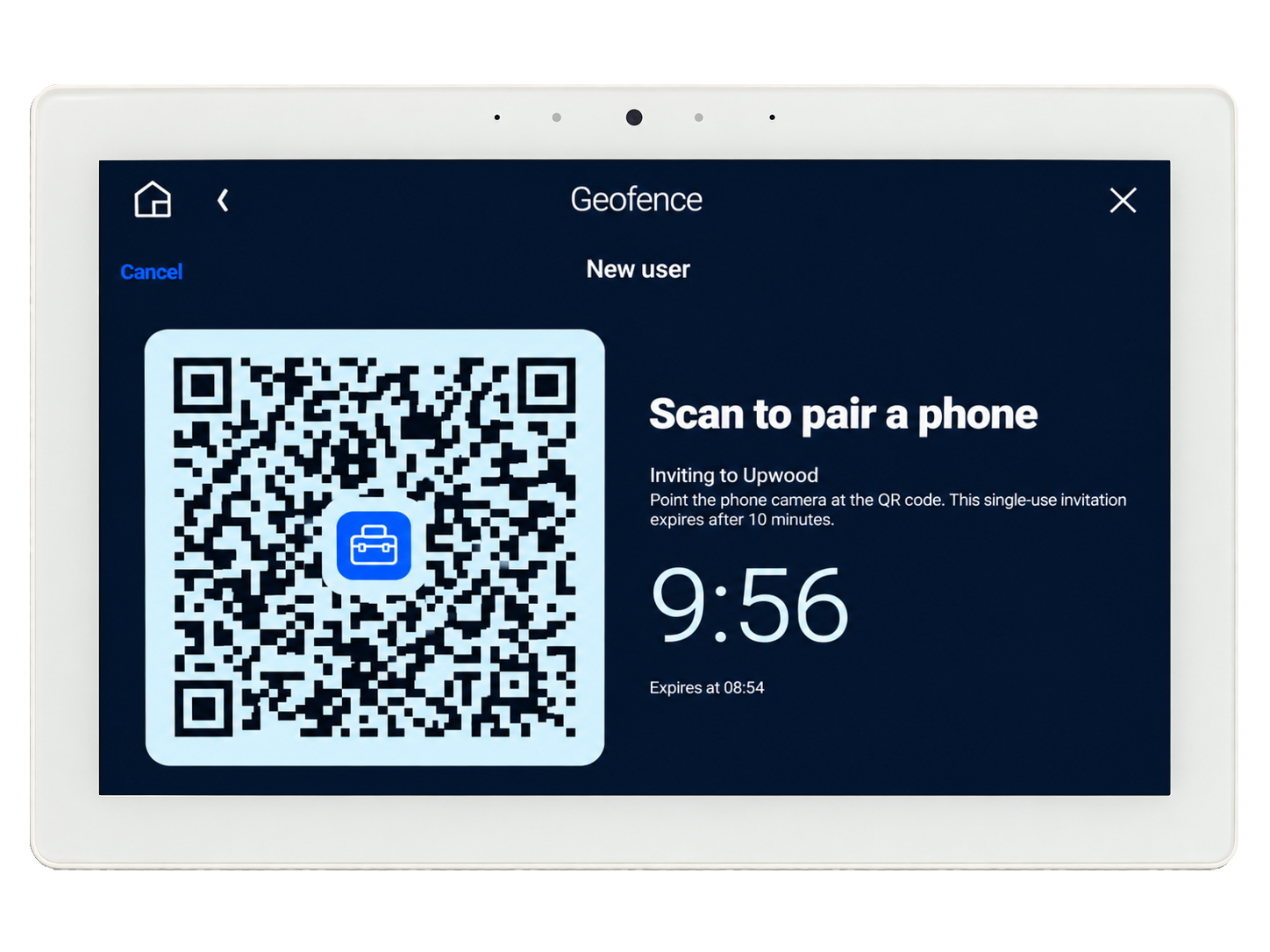
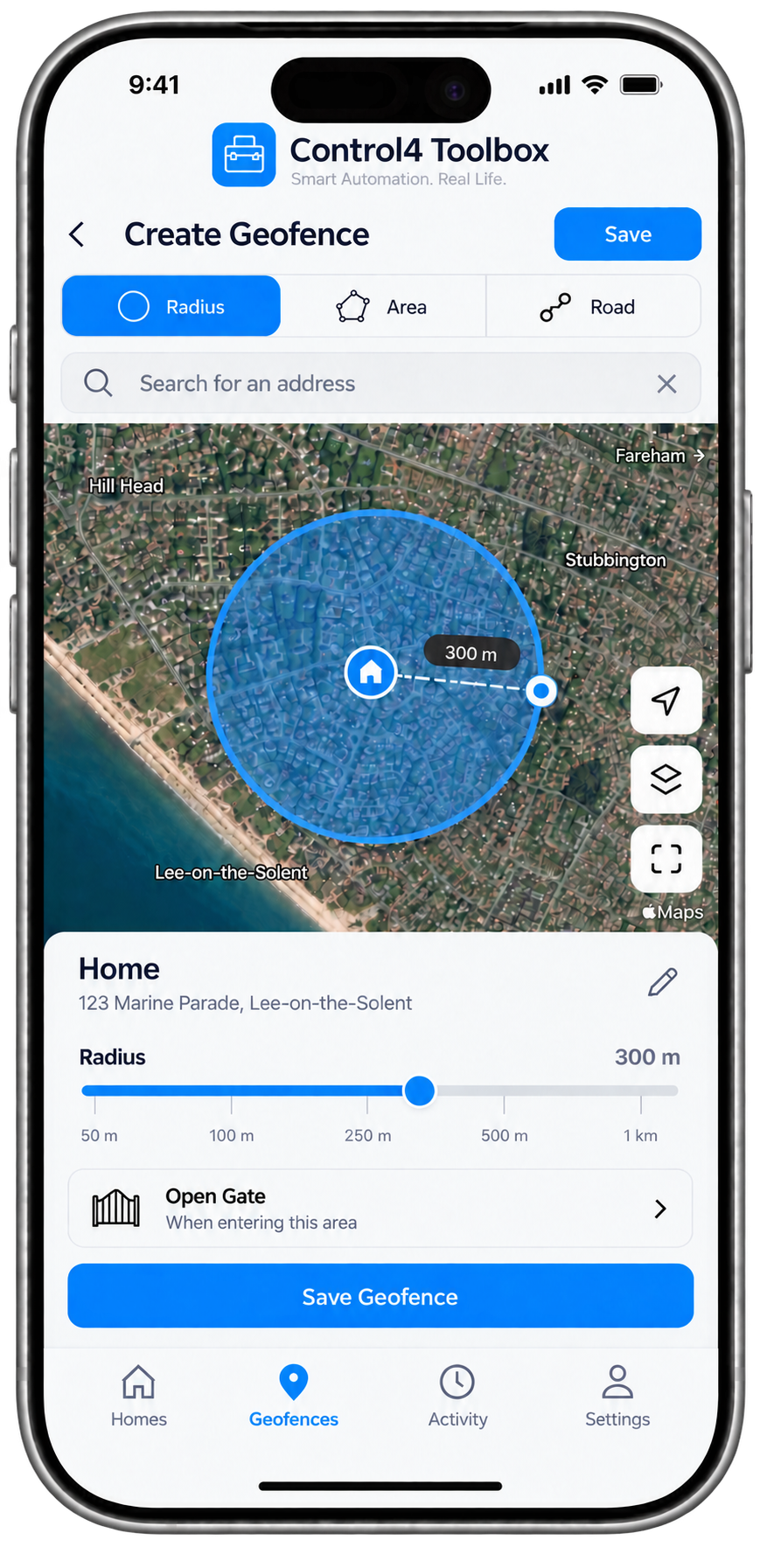
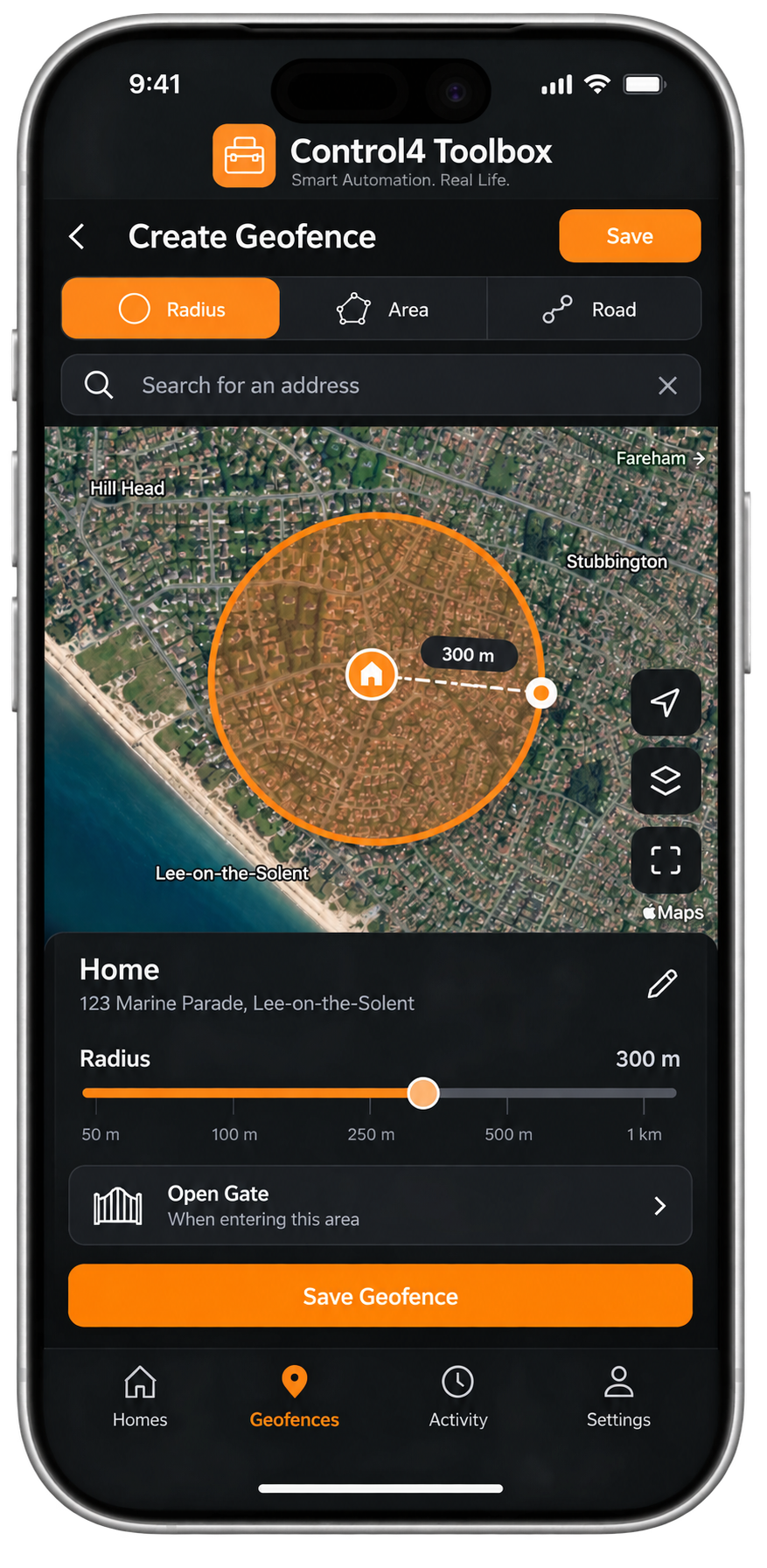
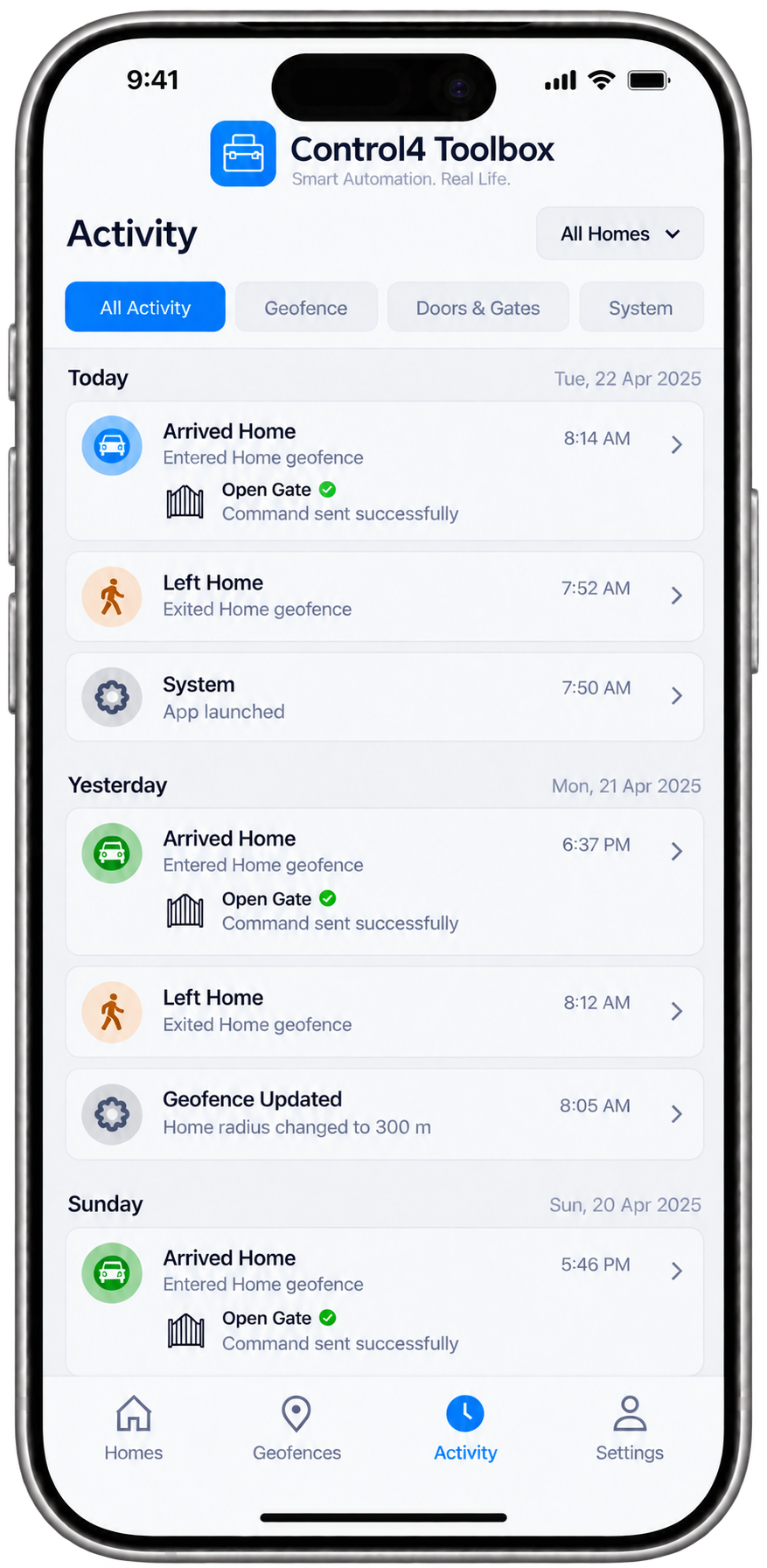
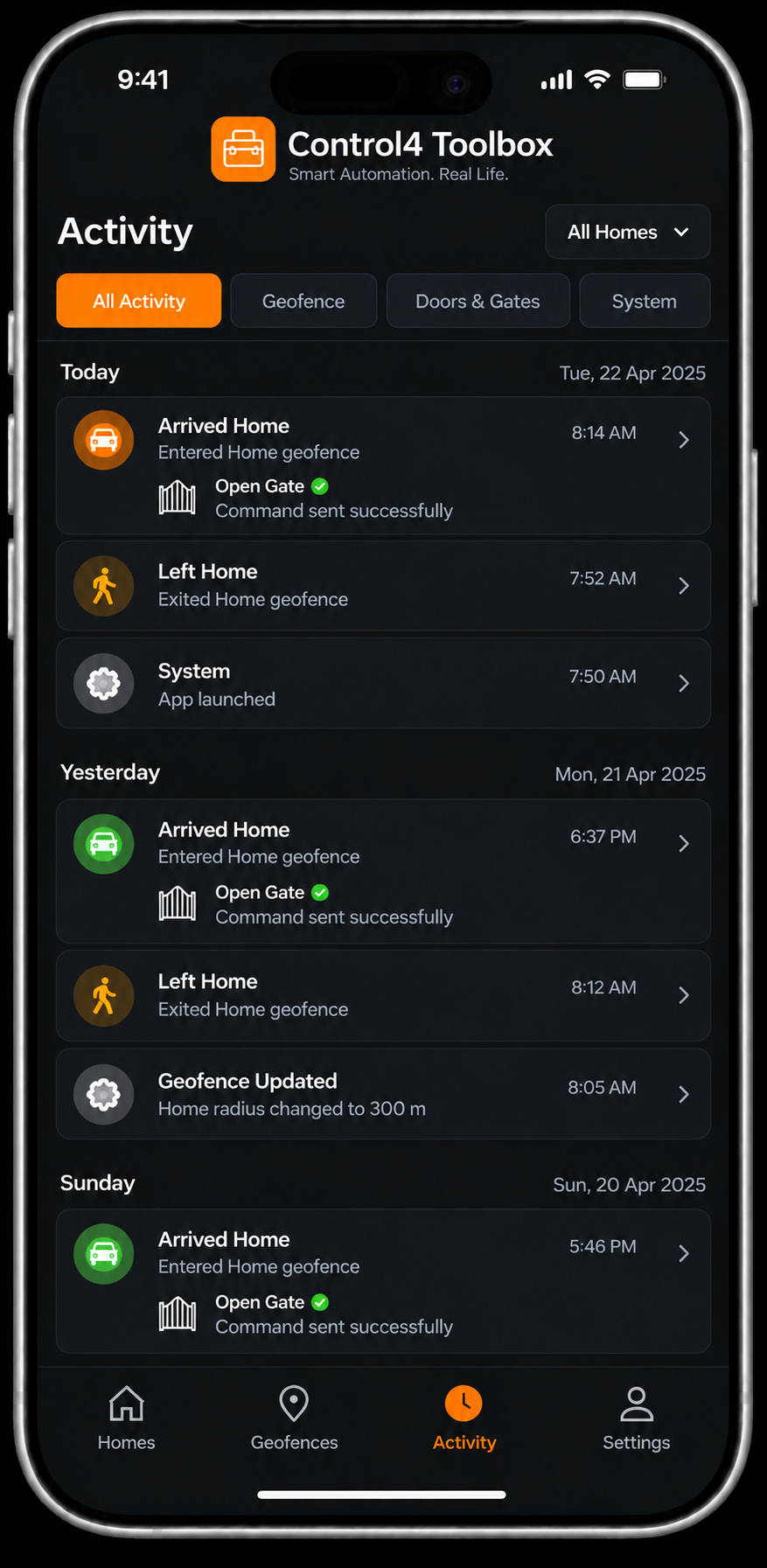
Pair any phone by scanning a QR code created from the driver. Each phone reports when it arrives at or leaves home, and the driver fires Control4 programming events for every arrival and departure, including first-arrived and last-left.
Optionally unlock a bound lock or open a Gate+ device on arrival. Automatic access is off by default and must be enabled per home and per phone in the dealer portal; commands expire after 30 seconds.
Specification
- Version
- 1.1.14
- Control4 OS
- 3.0 or later
- Connection
- Cloud (c4toolbox.com)
- Package size
- 526.6 KB
What it does
- QR code phone pairing
- Arrived / Left / First Arrived / Last Left events
- Optional unlock or Gate+ open on arrival
- Dealer approval for every phone
- Activity log in the dealer portal
Version history
- v1.1.102026-10-04Shows a Control4-style loading indicator in Users until the controller sends its first user list, instead of briefly showing an empty list.
- v1.1.92026-10-03User details now show the phone's device name (e.g. Dave's iPhone) sent by the mobile apps, alongside the person's name.
- v1.1.52026-10-03Adds touch-friendly user details with presence, date joined and last update; paired users can now be securely deleted from Navigator; removes the long invitation URL from the New user screen.
Page 1 of 3